
What you do not need to install
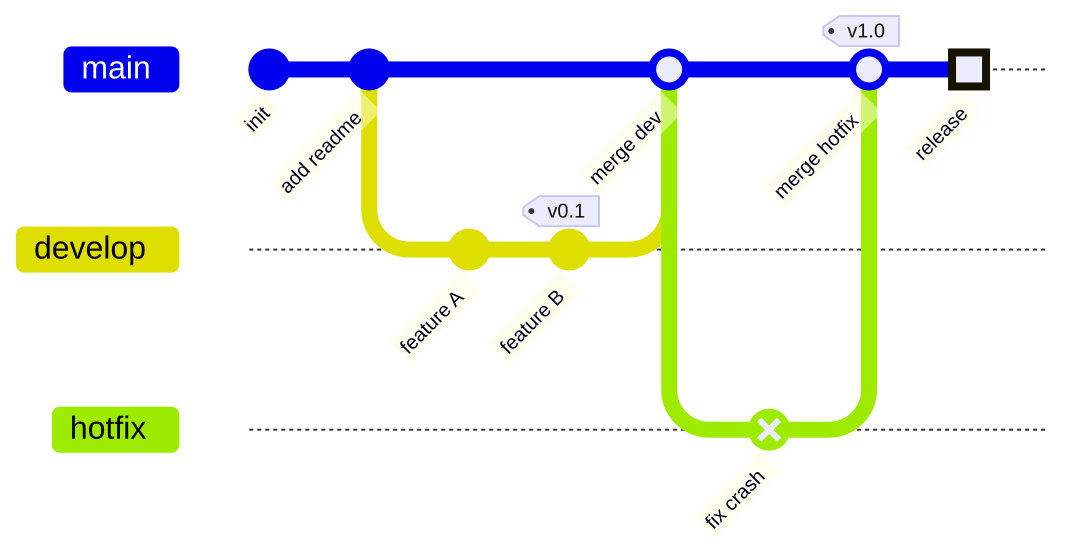
The official mermaid-cli starts a headless Chrome for every diagram, which means installing Node.js and around 170 MB of Chromium. In a CI pipeline or a serverless function, that is most of the time spent. mermaidx renders the same Mermaid library without a browser, so a diagram is one Python call.
Four backends, one API
quickjs is the default and has no dependencies. v8 is faster for large batches. merman and mermaid-rs-renderer are native Rust renderers. Switching is one argument: mermaidx.render(source, backend="v8"). The backends page says when to choose each.
Checked against mermaid-cli
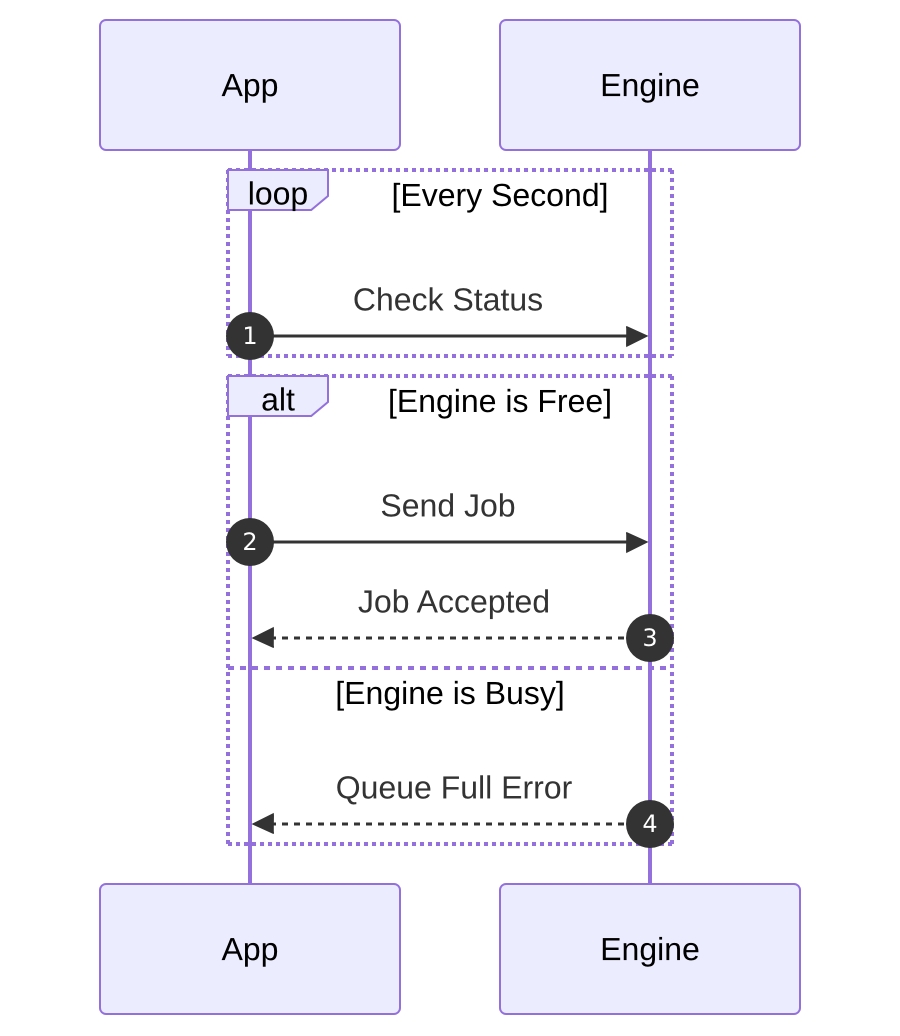
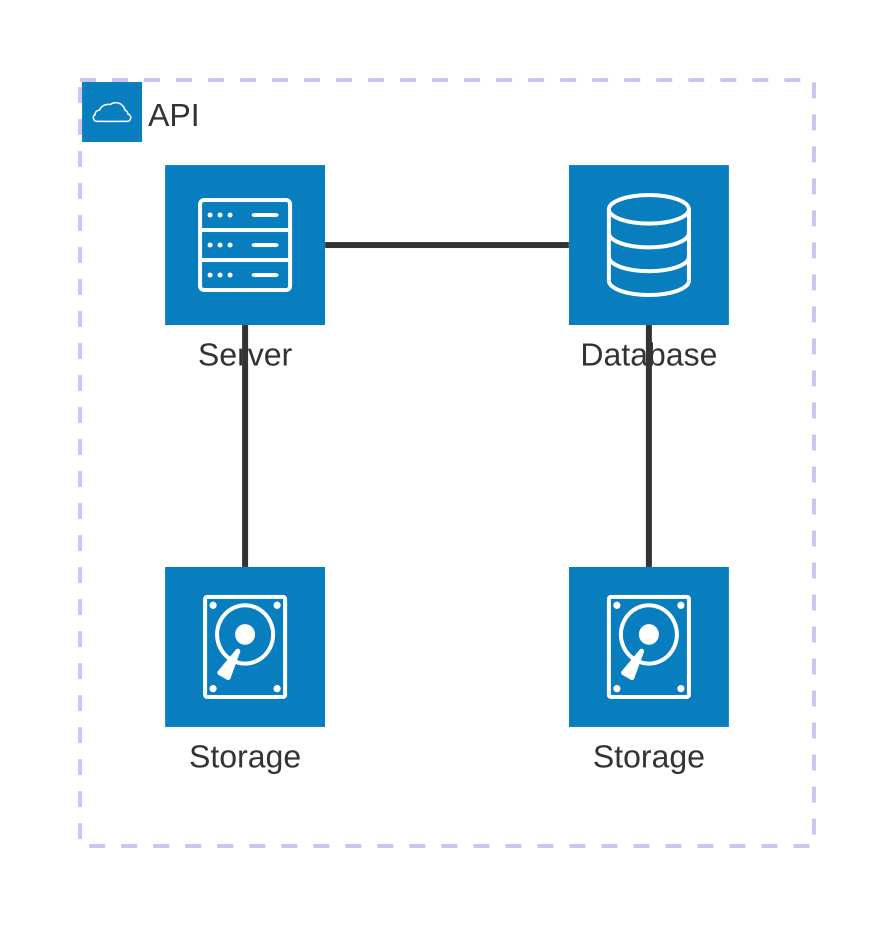
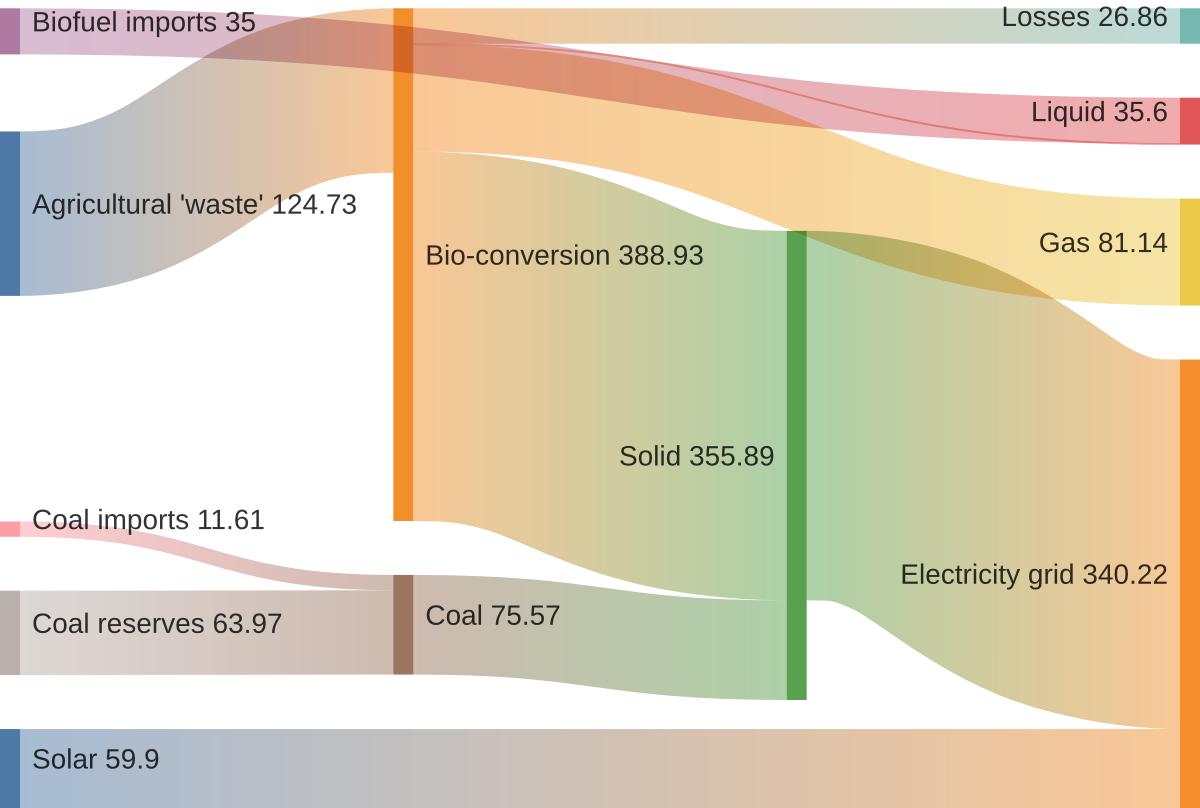
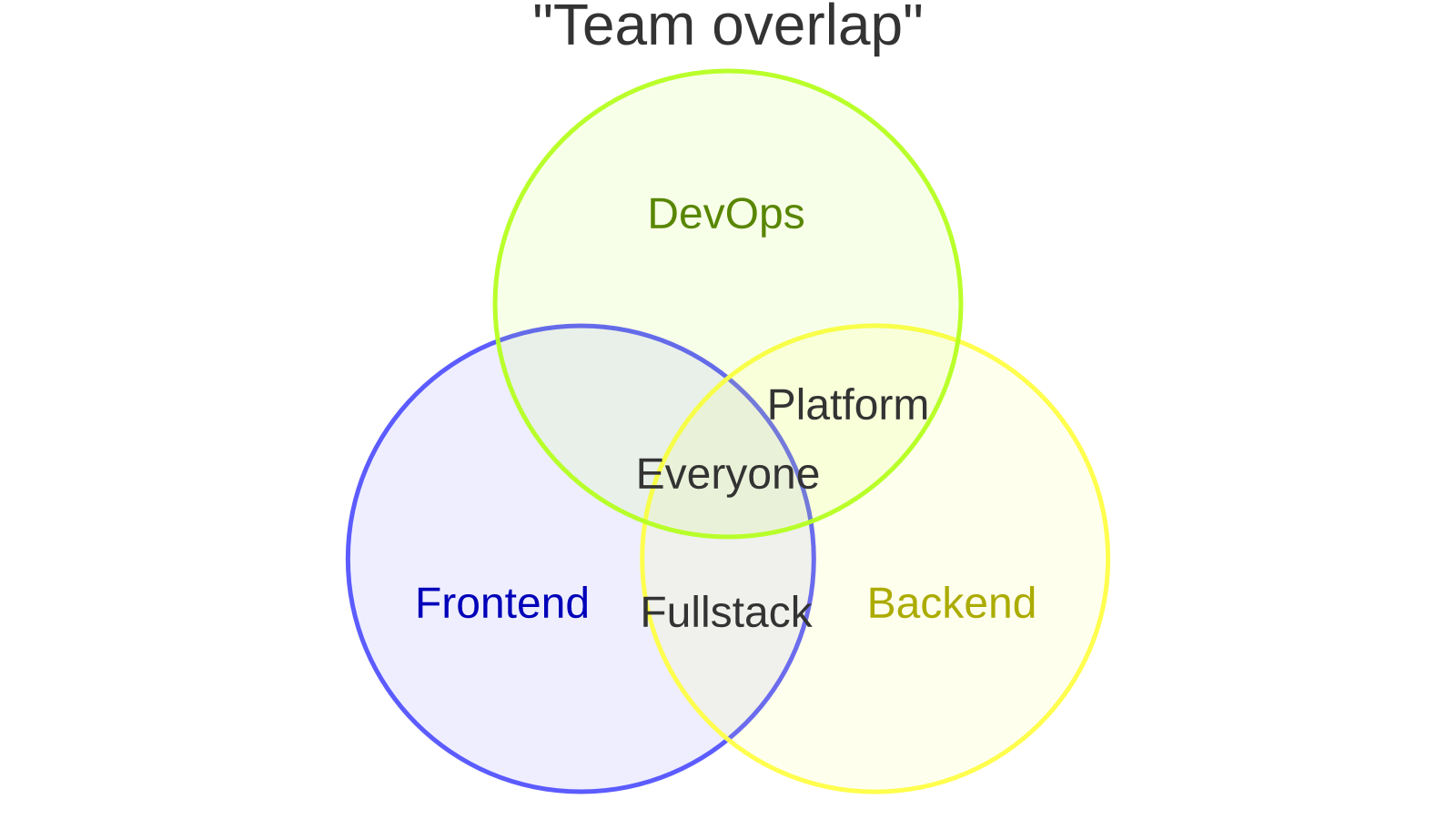
The SVG output is compared with mmdc on 43 reference diagrams using a strict structural comparison. The benchmark gallery shows the same diagrams rendered by all five renderers, side by side, with the time each one took.