SVG in.Pixels out.
A header-only C++17 library that parses, queries, restyles and rasterizes SVG. Use it from C++ and Python, or the shell.
pip install novasvg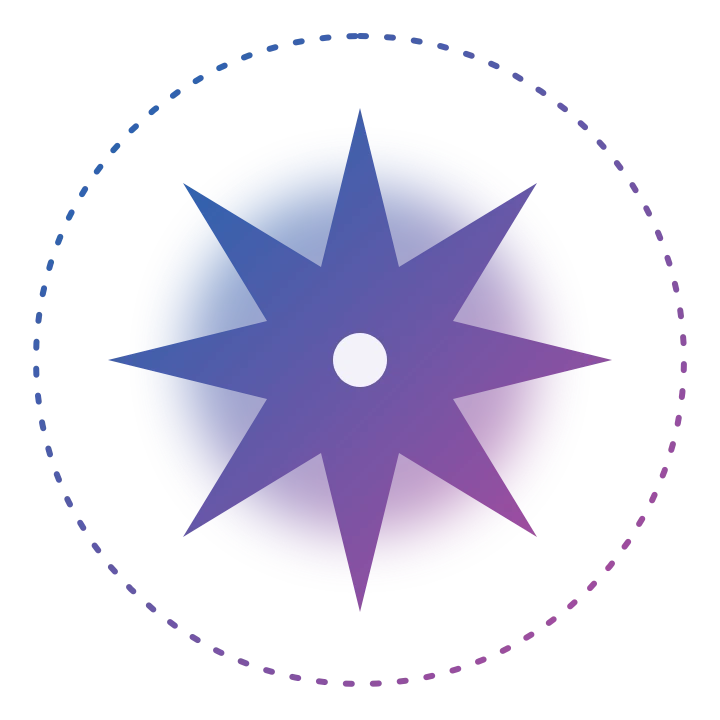
<svg viewBox="0 0 240 240" xmlns="http://www.w3.org/2000/svg">
  <defs>
    <linearGradient id="nova" x1="0" y1="0" x2="1" y2="1">
      <stop offset="0" stop-color="#1867b2"/>
      <stop offset="1" stop-color="#b6489b"/>
    </linearGradient>
    <filter id="glow"><feGaussianBlur stdDeviation="9"/></filter>
  </defs>
  <circle class="orbit" cx="120" cy="120" r="108" fill="none" stroke="url(#nova)"
          stroke-width="2" stroke-dasharray="2 7" stroke-linecap="round"/>
  <circle cx="120" cy="120" r="58" fill="url(#nova)" opacity=".55" filter="url(#glow)"/>
  <path class="star" fill="url(#nova)" d="M120 36 L133 89 L179 61 L151 107 L204 120 L151 133 L179 179 L133 151 L120 204 L107 151 L61 179 L89 133 L36 120 L89 107 L61 61 L107 89Z"/>
  <circle cx="120" cy="120" r="9" fill="#fff" opacity=".92"/>
</svg>
Real renders, straight from NovaSVG
Every image here was drawn by NovaSVG from the files in the repository's data folder. Gradients, filters, text and Mermaid diagrams all go through the same renderer.

tiger.svg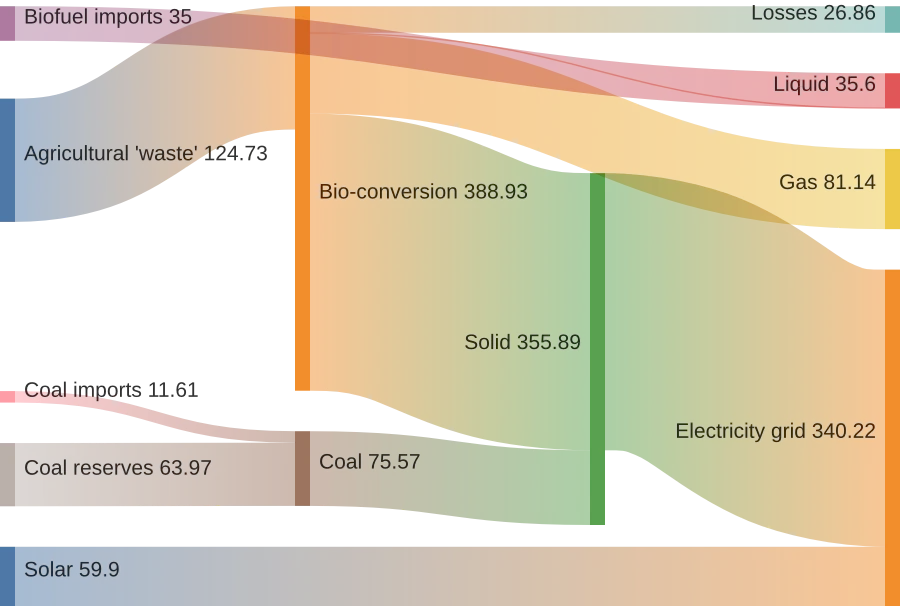
mermaid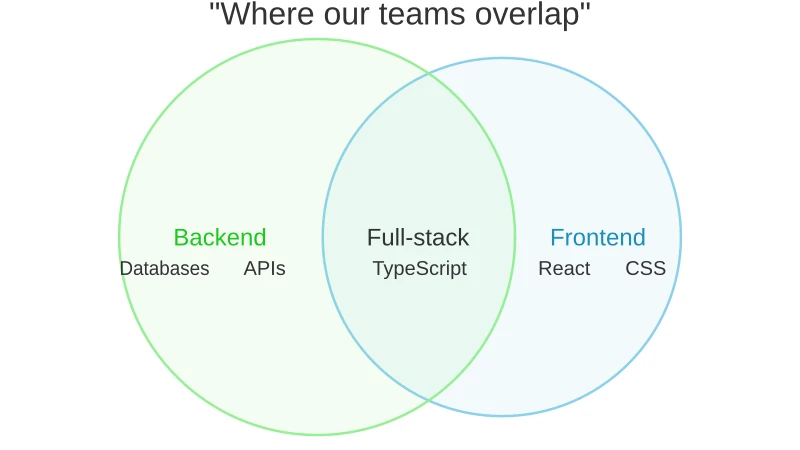
mermaid
mermaid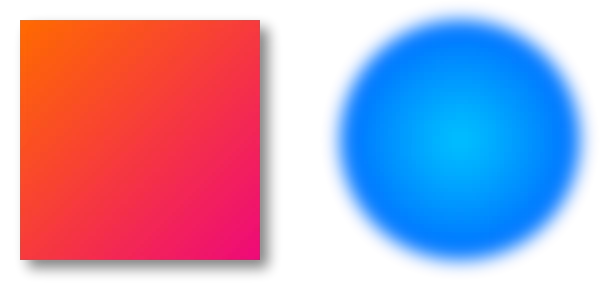
feature-gradient-filter.svg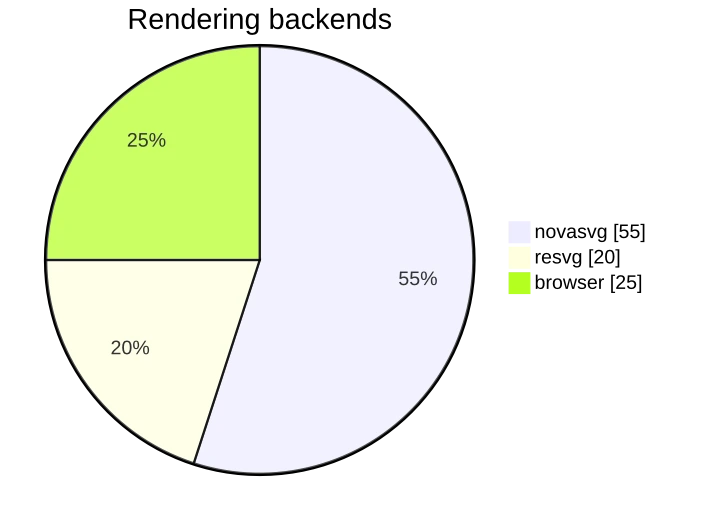
mermaidRestyle an SVG without editing it
Apply a stylesheet when you load the document. The same file renders in a new palette and the original stays untouched. Find elements first with query_selector_all, CSS selectors included.
import novasvg

doc = novasvg.Document.load_from_file("star.svg")

# find things with CSS selectors
stars = doc.query_selector_all("path.star")

# restyle, then render with a transparent background
doc.apply_stylesheet(".star { fill: #ffb02e } .orbit { stroke: #ffb02e }")
doc.render_to_bitmap(720, 720, 0).write_to_png("star-gold.png")
Install it, render something
Pick a language once. The install and example panels both follow your choice.
Install
pip install novasvgnovasvg binary alongside the Python extension. After install, the novasvg command is available directly in your shell — no compiler or CMake needed.
git clone https://github.com/MohammadRaziei/novasvg.git
cd novasvg
cmake -B build -DCMAKE_BUILD_TYPE=Release
cmake --build build -j$(nproc)

# Install to system (adds `novasvg` to PATH)
sudo cmake --install build# CMakeLists.txt
include(FetchContent)
FetchContent_Declare(
novasvg
GIT_REPOSITORY https://github.com/MohammadRaziei/novasvg.git
GIT_TAG master
)
FetchContent_MakeAvailable(novasvg)
# Link the header-only target
target_link_libraries(my_app PRIVATE novasvg::novasvg)novasvg::novasvg and include <novasvg/novasvg.h>. The library is header-only, so there is nothing to compile separately. You can also copy include/novasvg/ into your project, or use the single-header novasvg.h from the latest release.
pip install novasvgInstall the latest development build directly from source:
pip install git+https://github.com/MohammadRaziei/novasvg
Example
# SVG -> PNG (writes input.png next to the input)
novasvg input.svg

# Choose the output file and size
novasvg input.svg -o output.png -w 800 -H 600

# Apply CSS, inspect, query and batch-convert
novasvg input.svg --style "rect { fill: red; }"
novasvg info image.svg --json
novasvg query "circle" input.svg
novasvg batch ./svgs ./images#include <novasvg/novasvg.h>
#include <iostream>
int main() {
// Load an SVG document from a file
auto doc = novasvg::Document::loadFromFile("artwork.svg");
if (!doc) return 1;
// Render to a bitmap (auto-sized) and save it as PNG
auto bitmap = doc->renderToBitmap();
bitmap.writeToPng("artwork.png");
// Query elements with CSS selectors
auto rectangles = doc->querySelectorAll("rect");
std::cout << "Found " << rectangles.size() << " rectangles\n";
// Document dimensions
std::cout << "Size: " << doc->width() << "x" << doc->height() << "\n";
return 0;
}import novasvg
# One-liner: SVG file -> PNG file
novasvg.svg2png("input.svg", "output.png", width=800)
# Or work with the document model
doc = novasvg.Document.load_from_file("artwork.svg")
print(doc.width, doc.height)
# Query elements with CSS selectors and restyle the document
rects = doc.query_selector_all("rect")
doc.apply_stylesheet("rect { fill: red; }")
# Render to a bitmap, save it, or get the pixels as a NumPy array
bitmap = doc.render_to_bitmap(400, 300)
bitmap.write_to_png("artwork.png")
pixels = bitmap.numpy() # shape (300, 400, 4)Accuracy
Mean RMSE against a Chromium render. Lower is closer.
Speed
Average render time per sample. Lower is faster.
API reference
Full references for the C++ library, the Python binding and the command-line tool.
Command-line tool for converting SVG to PNG, inspecting documents, querying elements with CSS selectors and converting whole directories. Covers all options and subcommands including --width, --scale, --background-color, --css-file, info, query and batch.
Header-only C++17 API with RAII semantics. Covers novasvg::Document, novasvg::Element, novasvg::Bitmap, novasvg::Matrix, novasvg::Box and novasvg::Color: loading from files, strings or memory, CSS selector queries, stylesheets, transforms, font management and rasterization to bitmaps or PNG.
nanobind-based extension module. Documents Document, Element, Node, Bitmap, Matrix, Box and Color, the svg2png helper, the novasvg.fonts submodule, and the bundled command-line tool. Rendered pixels are available as NumPy arrays. Ships pre-built wheels for Linux, macOS, and Windows.